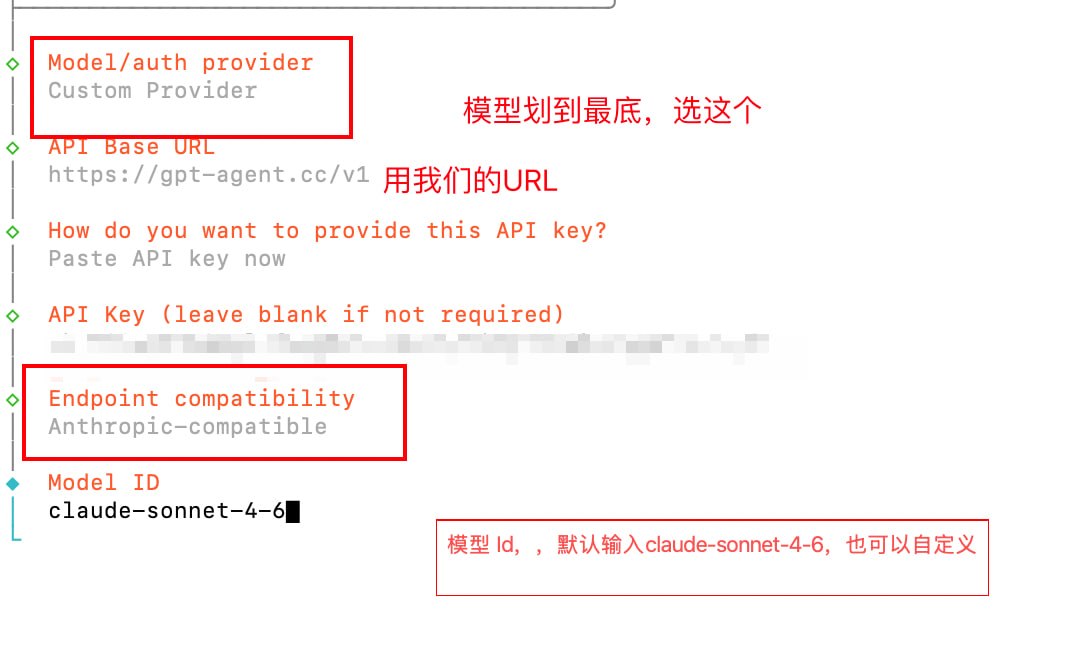
OpenClaw Setup Guide
This page is the full English version of the text you provided from the source document.
1. Use It in OpenClaw (Lobster)
This is the model configuration workflow. The configuration file can be replaced directly if needed.
Step 1
Enter the following command in a terminal or command-line window on Linux, a cloud server, macOS, or Windows:
openclaw onboardStep 2
Click Yes.

Step 3

Step 4
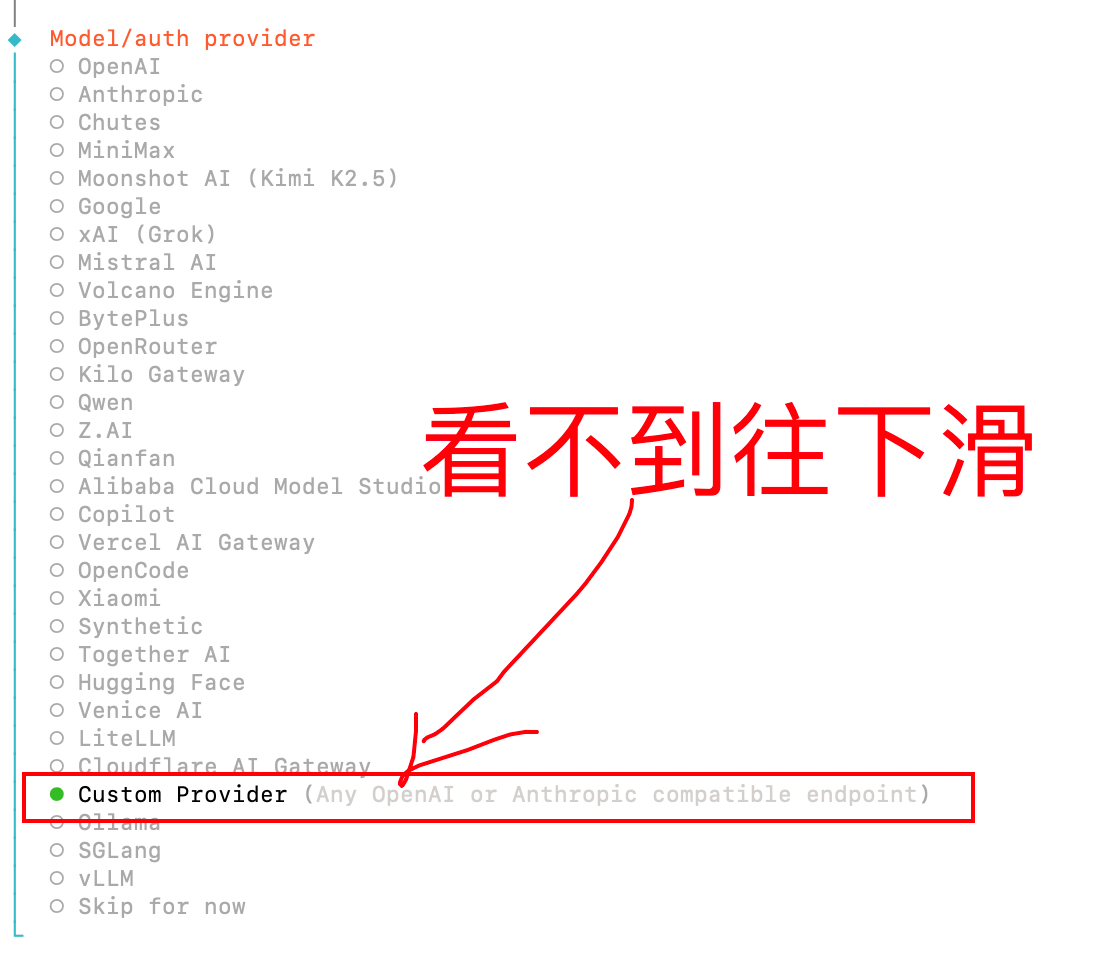
Step 5
Enter our URL. If an error appears, please use:
https://gpt-agent.cc
Please make sure it uses https. Do not forget the s.
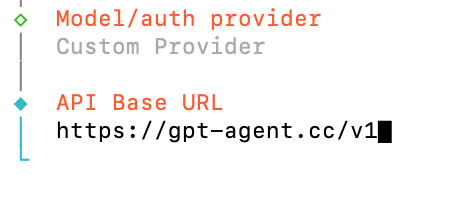
Step 6
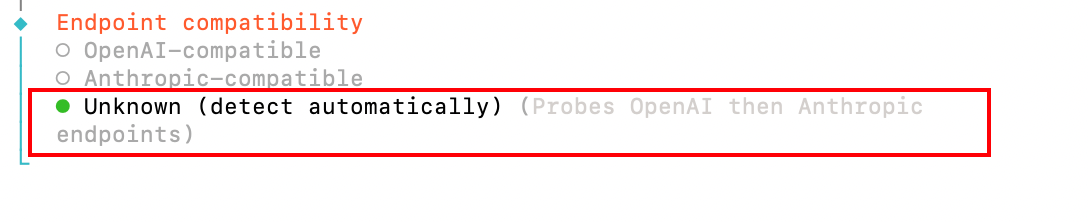
Recommended: Option 2
Option 1
Please choose the third option: Unknown.
Option 2
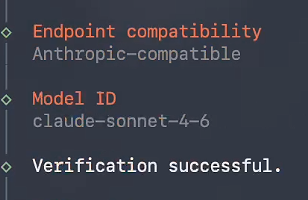
If you choose claude-sonnet-4-6, please select Anthropic-compatible as shown in the image.
Step 7
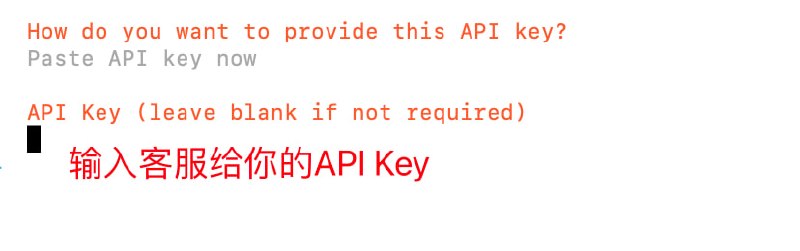
Step 9
This is where you enter the model name you want to use. We recommend:
claude-sonnet-4-6
Step 10
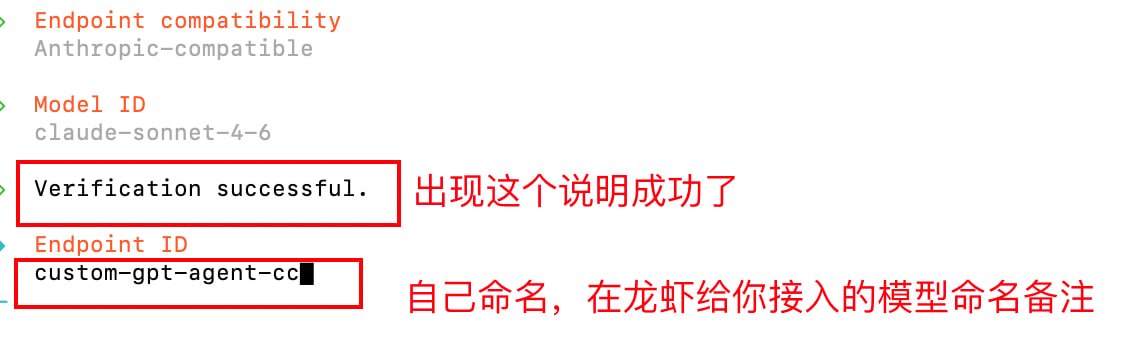
At this step, just press Enter directly.

Summary
In OpenClaw, find the entry for a custom Provider or model configuration, then complete the setup with the correct URL, compatibility format, and model name.